How to set screen time rules for children: a calm family plan
Learning how to set screen time rules for children can help your family replace daily arguments with a clear, kind routine. This guide will help you make a family plan, use a printable chart and prepare offline activities for after screen time.
In short
- Agree on screen rules before your child starts watching or playing.
- Keep the plan clear about when, where and what screen use is allowed.
- Use warnings, timers and a planned next activity to make stopping easier.
- Review the family plan weekly and change it when your child's needs change.
- Keep a small list of hands-on activities ready for after screen time.
Why screen time rules lead to daily fights
Screen time arguments often begin before the device is switched on. A child may not know how long they can watch, which video they may choose or what happens when the time ends. A parent may decide suddenly that screen time is over. If the child is hungry, tired or deeply involved in a game, stopping can feel especially hard.
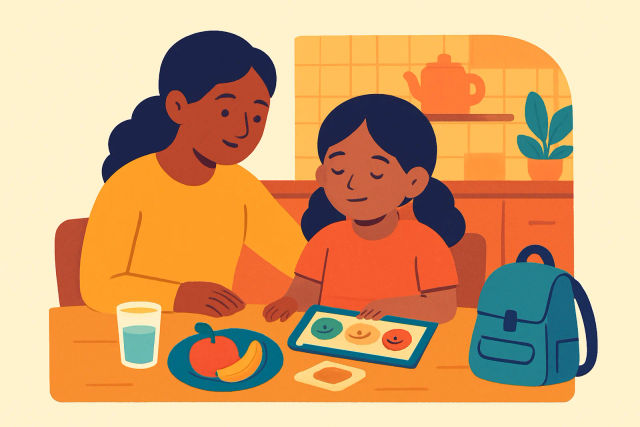
Agree on the rule before your child starts. Say the start time, stopping time and next activity in simple words. For example, "You may watch one programme after your homework. We will stop when the timer rings, then you can have fruit and draw." This gives your child a clear picture of what will happen.
Try to separate the screen habit from your child's character. Instead of saying, "You are being naughty again," describe the situation: "The screen is making stopping difficult, so we are following our family plan." Stay calm and repeat the same words. Your child may still feel unhappy, but the adult response remains steady and respectful.
Make a family screen plan with when, where and what rules
A useful plan answers three questions: when may we use screens, where may we use them and what may we do? Choose times that fit your family rather than copying another child's routine. Screen use might come after homework, outdoor play, reading or a small household task. Keep meals, bedtime preparation and family conversations screen-free.
Choose a shared room where an adult can see or hear what is happening. Keep phones, tablets and laptops out of bedrooms at night when this suits your family. Write down who may use each device, which apps or programmes are allowed and when an adult needs to check in. For a young child, an adult can sit nearby. For a primary school child, a parent can check the content and time at the beginning and end.
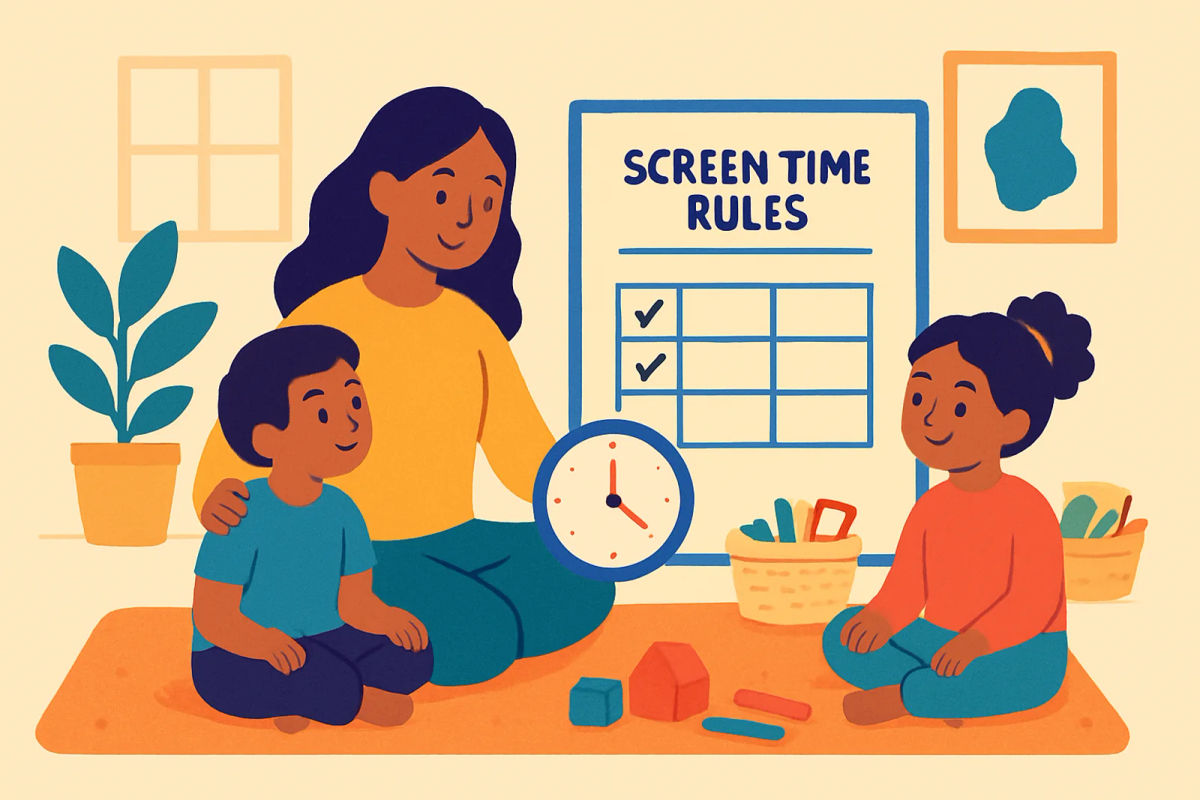
Write the plan where everyone can see it. A Nursery child may understand: "Screen after lunch. Sofa only. One timer. Stop when it rings." Older children can help write a longer version. Include what happens if the rule is not followed, such as losing the next planned session rather than starting a long argument.
Set rules that change with your child's age
A young child usually needs a short, planned session with an adult close by. Show a clear stopping point, such as the end of one short programme or a timer. Use a picture of a screen, a clock and the next activity if your child is in Nursery, LKG or UKG. Keep the number of choices small so choosing a video does not take longer than watching it.
Children in primary school can have more choice and responsibility. They might choose between two approved activities, start the timer themselves and record the stopping time on a chart. Keep agreed limits for time, content and device location. A Class 1 child may need frequent reminders, while an older child may manage a planned session with a check-in before and after.
Older children can help plan their week, notice when screen use affects sleep or homework and suggest a fair change. Review the plan together instead of changing it during a disagreement. Consider sleep, schoolwork, meals, outdoor play, reading, hobbies and family time. A rule that leaves little room for these needs should be adjusted, even if the clock time seems reasonable for another child.

Lumi's tips
- Lumi suggests keeping the timer and the next activity in the same place each day.
- Write one short rule on a card for younger children, then add pictures they can understand.
- Keep a small basket of puzzles, crayons and building materials ready for the end of screen time.
- Let your child decorate the chart, while you decide the family limits together.
- Review one rule at a time so the plan stays manageable for everyone.
How to end screen time without a fight
Give your child a predictable warning routine. Try a five-minute reminder, followed by a two-minute reminder. Name the stopping point clearly: "Two minutes left. Finish this round and save your work." A timer can make the limit feel less like a decision made by the parent. For younger children, use a kitchen timer that they can see.
End at a natural break when possible. Before the screen starts, offer the next activity so your child knows what comes after it. You might say, "When the timer rings, you can choose colouring or blocks." Keep your words short and repeatable: "Screen time is finished. You can choose drawing or blocks now."
If your child refuses, stay close and avoid a long debate. Acknowledge the feeling without changing the rule: "You want more time. It is hard to stop. The screen is finished now." If needed, switch off the device after the agreed warning and follow the same calm consequence each time. Do not add new punishments while everyone is upset. Talk about the plan later, when your child is settled.
Use a printable screen-time chart
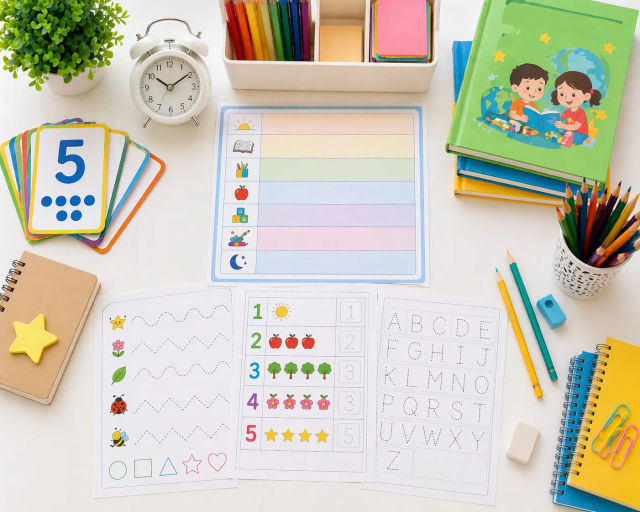
A screen-time chart turns a spoken rule into something your child can see. Include the day, planned screen time, the activity used, the stopping time and the offline choice afterwards. Keep the chart simple. For a young child, draw a sun for daytime, a small screen, a clock and a picture of the next activity. Your child can add a sticker or tick after each step.
Fill it in together before screen use begins. You might say, "Today is Tuesday. We will watch after lunch for 20 minutes. After that, you choose a puzzle." An older child can write the activity and stopping time independently. The chart is a reminder, not a scorecard. If a session changes because of a visitor or family need, write the change without blame.
Set aside a short weekly family check-in. Notice what worked, such as stopping after a warning, and choose only one rule to change if needed. You can print an A4 or US Letter PDF at Actual size, which means 100 percent, or copy the layout onto paper for your child to decorate. A simple worksheet from the free printables library can provide another hands-on choice after the screen.
Offer offline choices before the screen starts
Make a small choice list before your child asks for a device. Include drawing, colouring, puzzles, building, reading, music, helping in the kitchen and outdoor play. Keep some options ready for five minutes and others for 20 to 30 minutes. A child is more likely to move on when the next activity is visible and materials are easy to reach.
Use ordinary items from home. A young child can sort dals by colour with an adult, water plants or build a tower from safe blocks. A primary school child can make a paper craft, play a maths game with buttons or bottle tops, read a short book or help measure ingredients. In a classroom, a teacher might offer a puzzle tray, a drawing prompt, a word game or a quick counting task after a digital lesson.
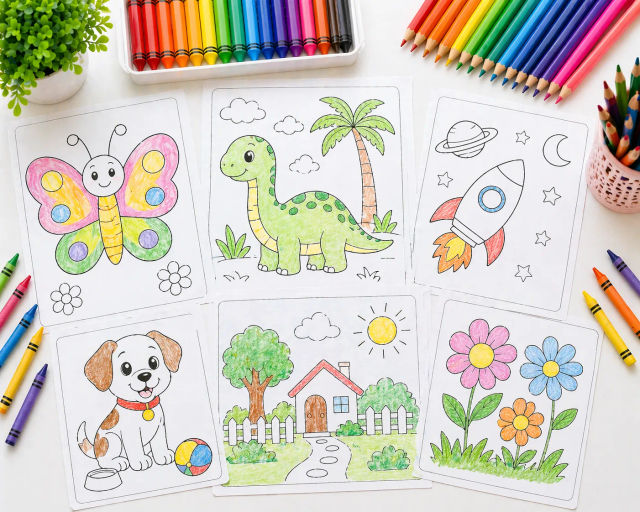
Match the choice to your child's age, energy and available time. Five-minute ideas include finding five red objects, tracing a name or making a paper shape. Longer choices can include a craft or outdoor game. Printable worksheets, flashcards, charts and colouring pages give children a clear hands-on task. You could try free printable math counting worksheets or free printable missing letter worksheets after screen use.
Common mistakes and when to change the plan
Rules work poorly when they are vague, change every day or depend on a parent's mood. "Do not use the tablet too much" does not tell a child when to stop. Write down the time, place and permitted activity. Try not to make screens the only reward or punishment, since this can make the device seem even more important. Praise the routine instead: "You stopped when the timer rang and chose your puzzle."
Avoid comparing siblings. One child may need more sleep, have different schoolwork or manage transitions differently. You can keep shared family rules while giving each child a separate planned time or content list. A fair plan does not always mean an identical plan.
Review the rules after travel, illness, school holidays or a change in work and school routines. Make one small adjustment and watch how it fits for a week. Speak with your child's teacher or school if screen use continues to affect homework, classroom participation or family routines despite repeated, calm efforts. Share the exact pattern you have noticed, such as late stopping or unfinished work, and ask what routine might support your child at school and home.
Questions parents ask
How much screen time should my child have each day?
There is no single daily amount that fits every child and family. Consider your child's sleep, schoolwork, meals, physical play, hobbies and family time, then choose a planned limit that leaves room for these needs. Keep the time, place and content clear, and review the plan when your routine changes.
What should I do when my child refuses to turn off the screen?
Give a five-minute warning and a two-minute warning, then use a timer or natural stopping point. Stay close, name the feeling and repeat the rule without a long argument. Follow the same agreed consequence each time, and discuss any change later when your child is calm.
Should screen time be used as a reward or punishment?
It is usually easier to treat screen use as one planned part of the day rather than the only reward or punishment. Offer specific choices after screen time, such as drawing, reading or outdoor play. If a consequence is needed, agree on it in advance and keep it calm and brief.
How can I set screen rules for children of different ages?
Younger children need short planned sessions, simple choices and an adult nearby. Primary school children can choose from approved options and record their own time with support. Older children can help plan the week and review how screen use fits with sleep, homework, play and family time.
What can my child do after screen time instead?
Prepare a short choice list with drawing, colouring, puzzles, building, reading, music, kitchen help and outdoor play. At home, your child could sort dals, water plants or use household objects for a maths game. Printable worksheets, flashcards, charts and colouring pages can give the next activity a clear beginning.